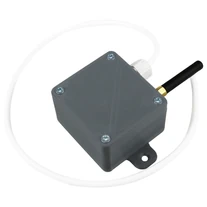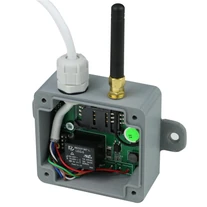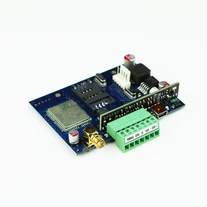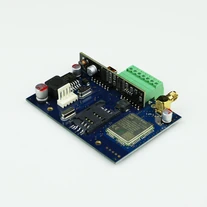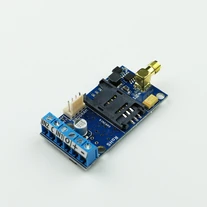
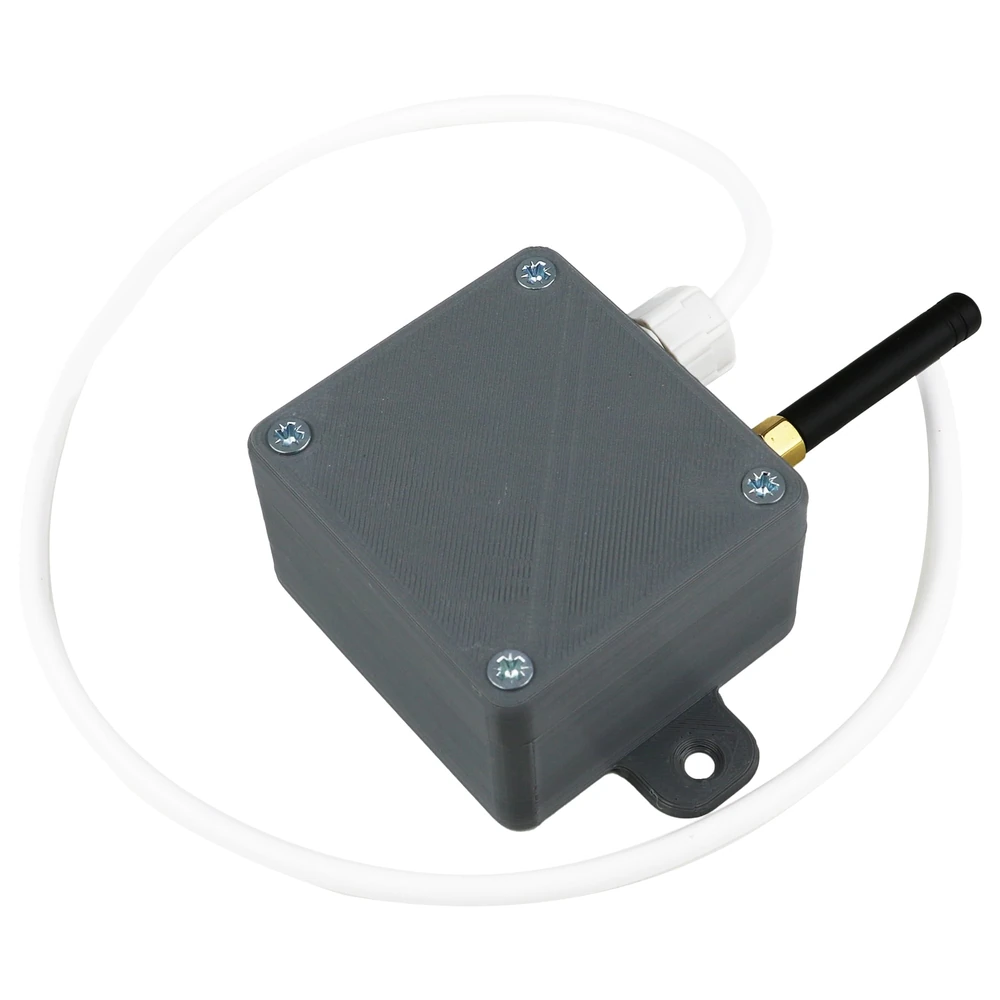
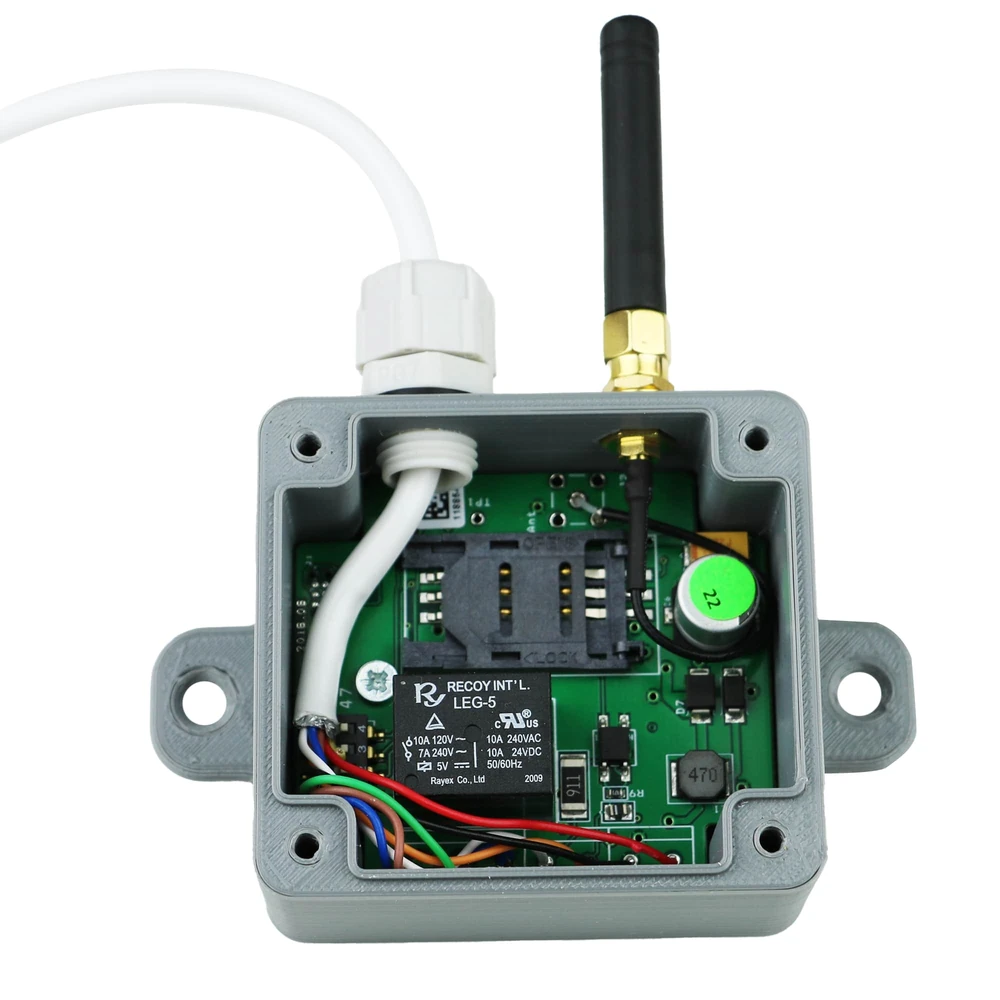
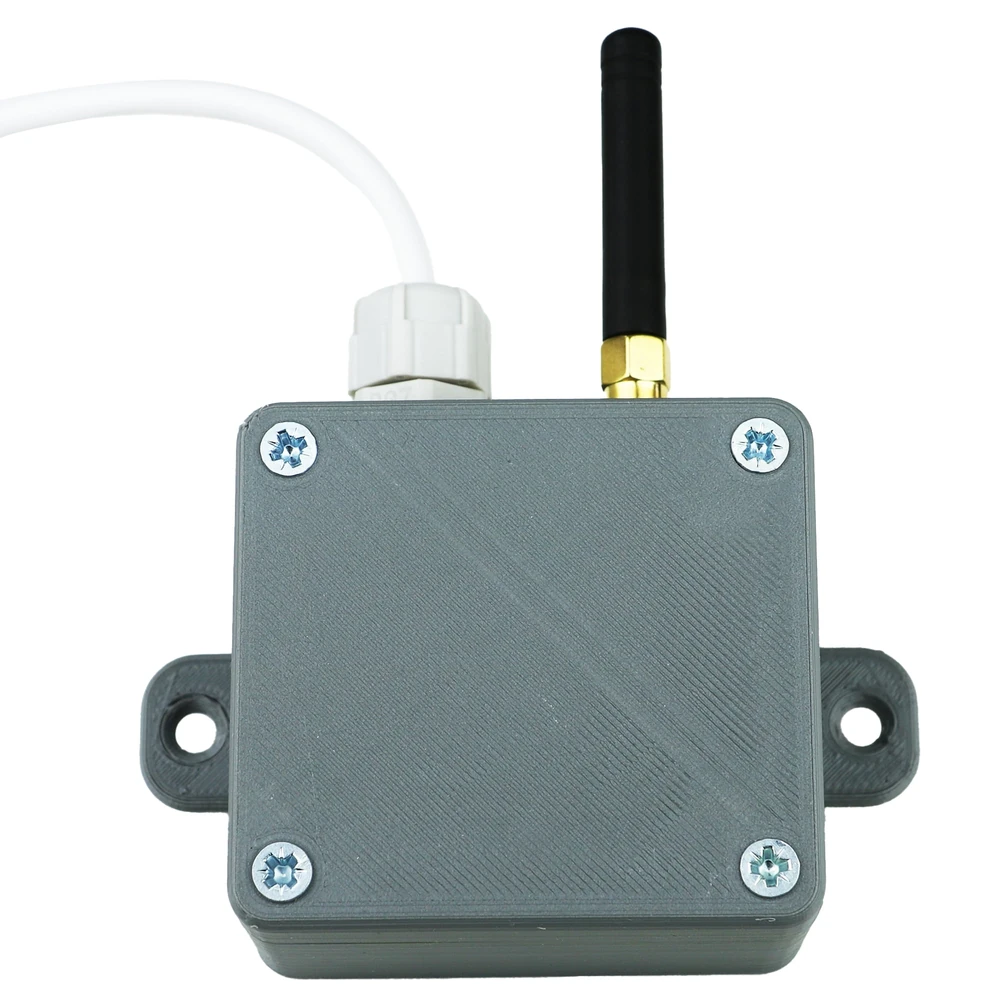
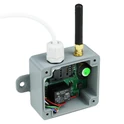
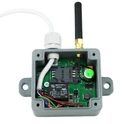
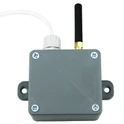
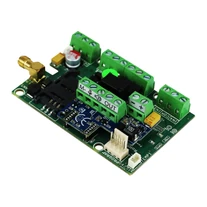
MultiOne 4G Cloud Kit Eco – GSM gate opener module in an IP65 enclosure, with free voice control and cloud-based remote control
- Manufacturer: ASC Global
- Model: 108
-
Availability:
In stock
- Expected delivery: November 26, 2026
-
GSM gate controller and communicator with housing, pre-wired
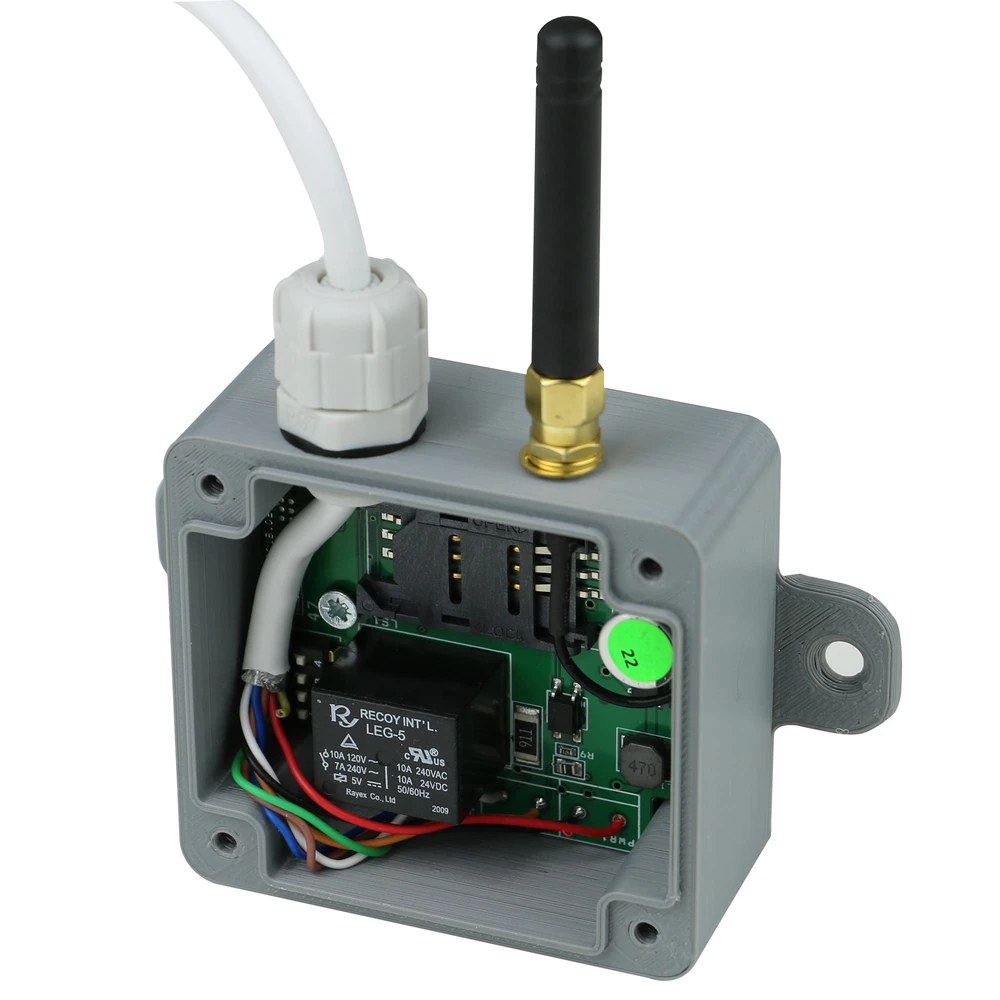
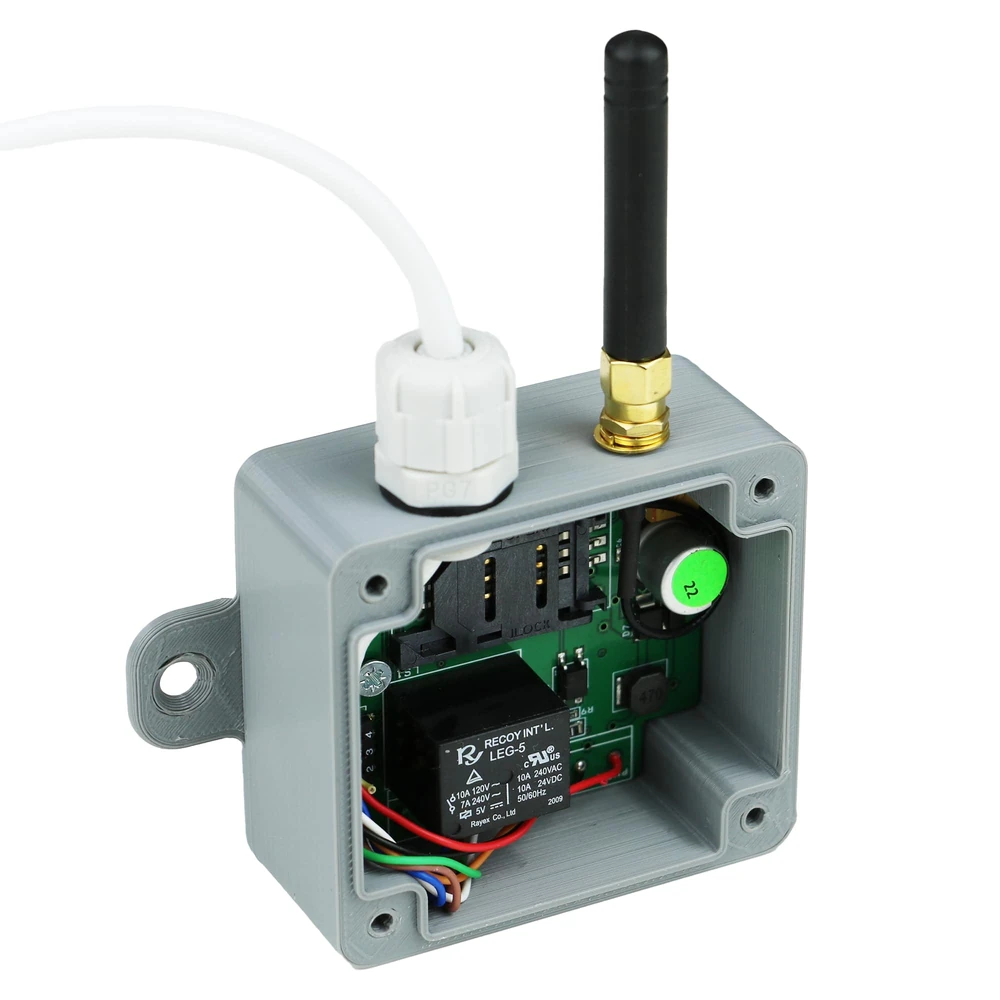
The MultiOne 4G Cloud Kit Eco is a professional GSM gate opener module that arrives in an IP65-rated plastic housing, fully pre-wired – ready for immediate installation for gates, garage doors, and barriers without the need for a separate enclosure.
- 1 optocoupler input and 1 relay output (NO/NC), with 230VAC / 24VDC load capacity.
- Output control in monostable or bistable mode, with timing up to 65,000 seconds.
- Remote control via call (even without caller ID) or from pre-set phone numbers.
- SMS notifications and simple setup via DIP switch or SMS commands.
- Cloud connectivity: mobile remote control, user management, and event log, in an IP65 design.
-
Product tabs
Description
This GSM module gate opener works with free call-based control: the relay can be controlled from an unlimited number of callers (without caller ID) or from up to 500 pre-stored phone numbers by calling the SIM card inserted in the module.
The GSM gate opener module features full Cloud connectivity: through the Cloud Manager mobile app and the ascloudmanager.com web interface, you can manage an unlimited number of users with individual permissions, push and email notifications, and an event log. The GSM module can be programmed via DIP switch, SMS, or the Cloud; the output can be set to bistable or monostable mode (max. 65,535 sec).
MultiOne GSM module in the Cloud
The MultiOne GSM Cloud module is also accessible in the Cloud. You can control the device's output using a control button created in the Cloud Manager app after registration, or via the www.ascloudmanager.com website.
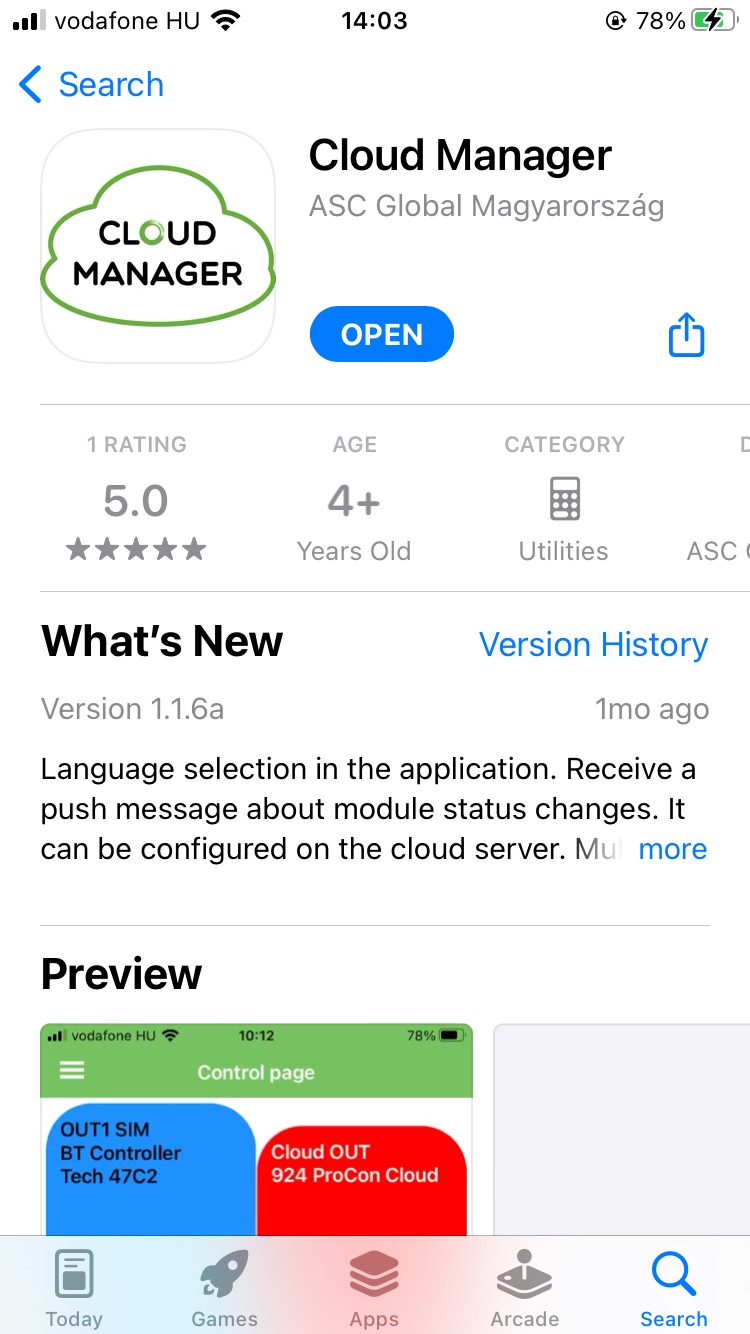
The application can be downloaded from the App Store or Google Play. You can assign your newly purchased MultiOne GSM Cloud device to your account in a few steps by following the options offered by the application, where you will receive help via guided instructions.
https://www.ascglobal.eu/cloudmanager_application
Setting up the GSM module
To control your module with Cloud connection in the app, you can select the APN settings of the mobile network provider of the inserted SIM card from the options provided by the app. If you are connecting to a foreign provider with a local SIM card, the APN can also be entered manually.
Registering the module takes no longer than 30 seconds. After establishing the Cloud connection, you can also log in with your user account to the www.ascloudmanager.com website, where you can find all your registered devices in one interface.
Remote control
After successful Cloud registration, you can create a 'cloud' control icon for remote access in the Cloud Manager App. By logging into the application with your email address, your registered modules will be available in the Devices menu. If you have multiple MultiOne GSM Cloud modules, you can distinguish your control buttons with different colors or icons for easy identification.
You can also define the output control type individually. Using the DIP switches on the panel, you can choose between monostable and bistable output settings. In the monostable case, the timing can be a maximum of 65,535 seconds. After your settings are saved, the control icon appears in the icon list and on the Control Panel, allowing you to activate the MultiOne GSM module output immediately.
Device statuses
You can view the current status of the GSM gate opener module's outputs or inputs.

In the notification settings of the MultiOne GSM module, we can distinguish between two types of notifications:
- System notifications, which generally contain important messages regarding the server, development, or any information affecting the system.
- Status notifications, where we receive email notifications about the controls and statuses chosen by us to an email address of our choice.
 You can assign users to your device by providing a user email and password, to whom you can grant various permissions.
The number of application users is unlimited, so you can grant access to anyone as you wish by entering an email address. Each user can control the MultiOne GSM module output with their email address and assigned permissions.
Under the URL menu item, you can create a control icon for a desktop PC or laptop using the "Add new URL" button.
Drag it to your screen with the left mouse button, and the URL will operate the device connected to the output.

Thanks to the new development, the MultiOne GSM Cloud remote control module has received a 32-row event log, with which you can list user activity occurring via internet connection.
In addition to GSM control, the MultiOne GSM Cloud module has opened up further possibilities in new application areas with its direct SIM data communication connection. Control statistics are also accessible from a browser, and email or push notifications assignable to input and output statuses reduce SMS costs and ensure continuous information flow. With Cloud-based customer management, significant time and on-site visits can be saved.

 /1
Reviews
Similar products
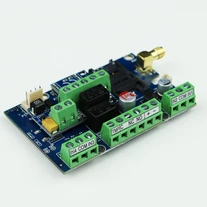
InterCom GSM – Wireless intercom module for 4+n wired intercom systems via the GSM network


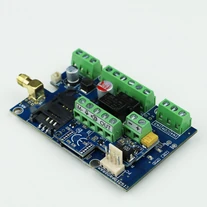
ProCon 4G Cloud – GSM alarm system and GSM relay module with remote control functionality

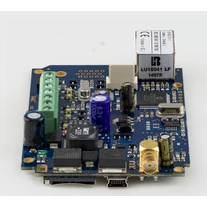


MultiOne 4G Cloud – GSM gate opener module for remote control via mobile phone for gates and garages


ProCon GSM Cloud – GSM alarm system and GSM relay module with remote control functionality

InterCom 4G – Wireless intercom module for 4+n wired intercom systems